DeskRest for Mac: smart break & posture reminders
DeskRest is a native menu-bar app that nudges you to take micro-breaks, fix your posture, and follow the 20-20-20 eye rule. Lifetime licenses start at $14.99, and coupon code WELCOME40 takes 40% off — verified July 2026.
- WELCOME40 verified · July 2026
- Native on macOS 14.2+
- Pay once — lifetime updates
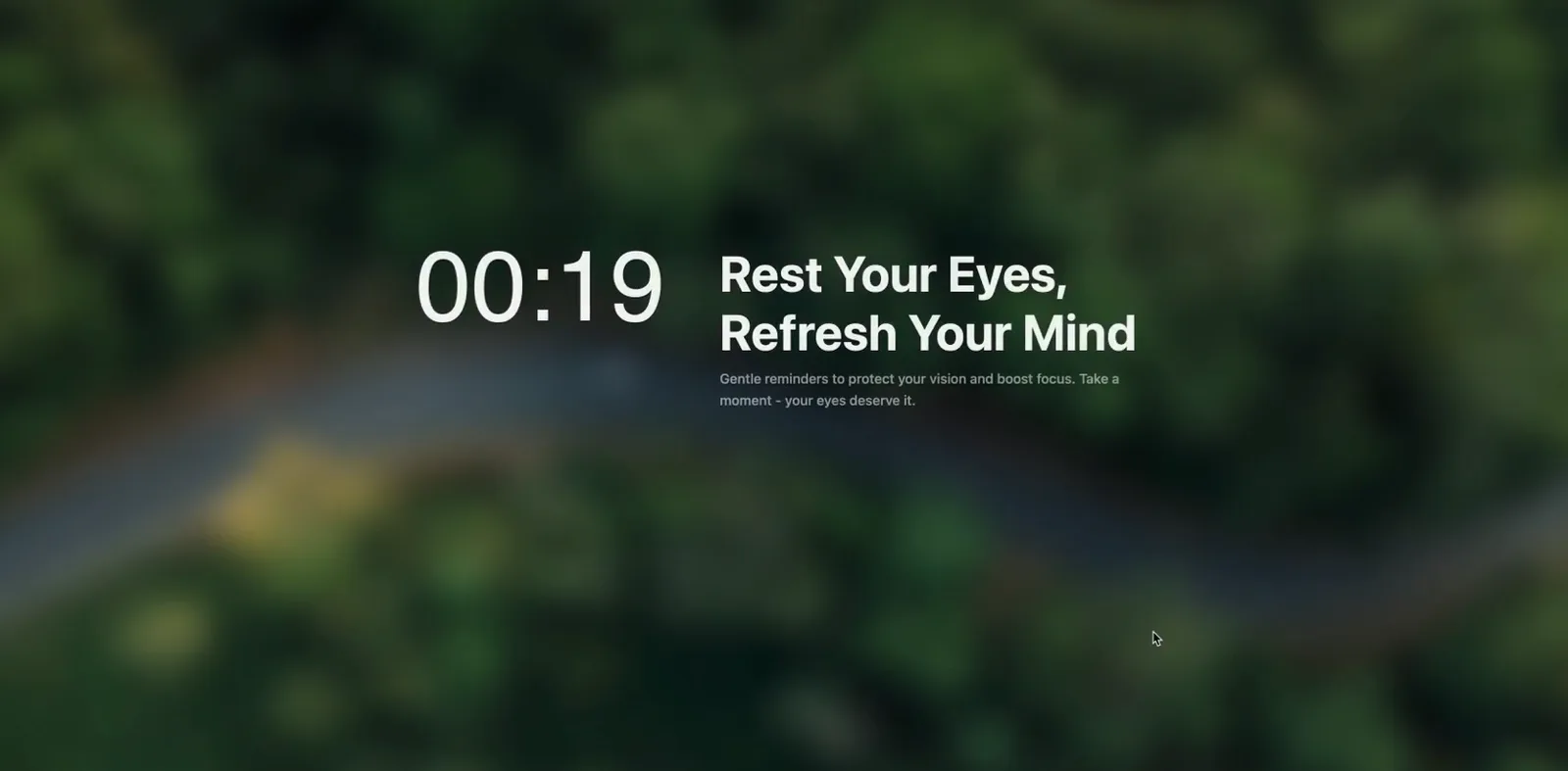
Time to stretch
You've been sitting for 50 minutes
20-20-20: look 20 ft away for 20 seconds
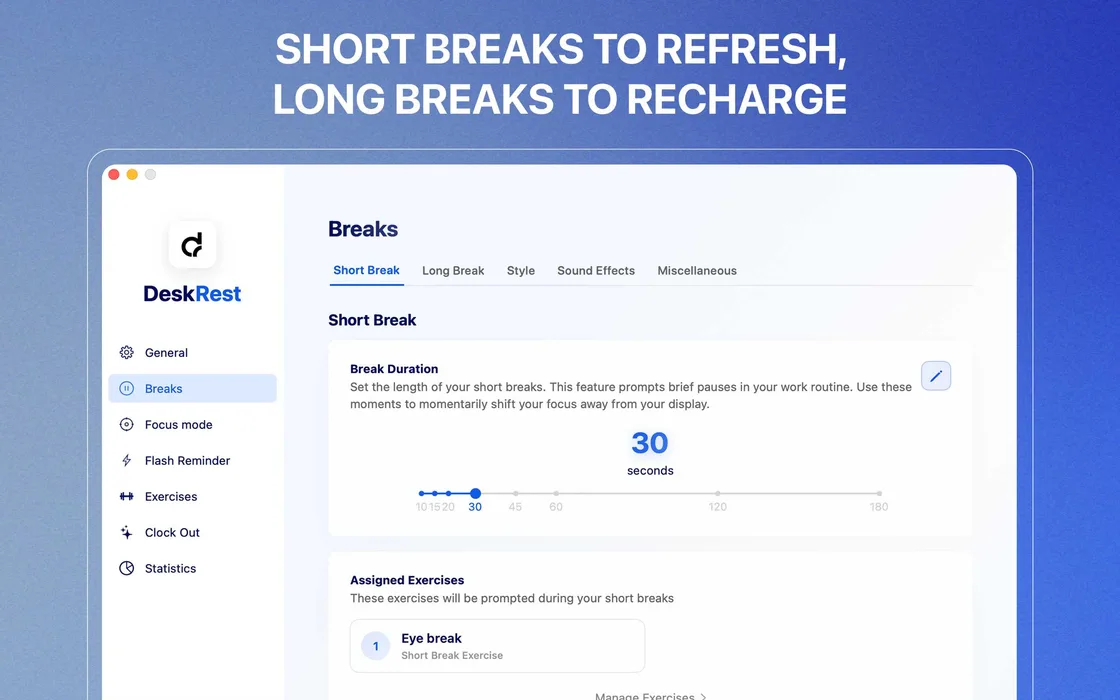
Interface preview — see real screenshots in our review
Why desk workers keep it running
Smart break scheduling
Work/break cycles that adapt to your focus instead of interrupting it.
Posture reminders
Gentle nudges to sit straight before the back pain starts.
20-20-20 eye breaks
Every 20 minutes, look 20 feet away for 20 seconds.
Native macOS app
Lives in the menu bar on macOS 14.2+ — no account, no cloud.
What is the DeskRest app?
The DeskRest app is a break reminder app for Mac that runs entirely on-device: no account, no cloud, no subscription. It schedules work/break cycles around your focus, shows gentle posture nudges, and enforces 20-20-20 eye breaks so you look away from the screen every 20 minutes. It's aimed at developers, designers, and anyone logging 6+ hour screen days who wants reminders firm enough to work but polite enough not to break flow.
- Requirements: macOS 14.2 or newer, Apple silicon and Intel.
- Price: $14.99 / $23.99 / $44.99 one-time, for 1, 2, or 5 Macs.
- Distribution: theofficial site, theApp Store, and signedGitHub releases.
- Made by: a solo indie developer who built it after his own back gave out — public releases go back to late 2024 and updates land in public release notes.
Start here
Prices, the coupon and version history on this site are checked against DeskRest's official pricing page and public release notes — checked: July 16, 2026.
Coupon code (WELCOME40)
Copy the verified 40% code and see exactly where to paste it at checkout.
Is there DeskRest for Windows?
Short answer: it's Mac-only. Here's what Windows users should run instead.
Is DeskRest safe?
Notarization, App Store review, and public release channels — the evidence.
Alternatives & competitors
Free and paid break apps compared honestly, open-source picks included.
Download & setup
App Store vs direct download, plus the first-launch permissions that matter.
Pricing & lifetime plans
All three tiers and what's included, checked against the official store.
Ready to give DeskRest a try?
Pay once, use it on up to 5 Macs, keep every future update. The 40% welcome code is applied on the official checkout.